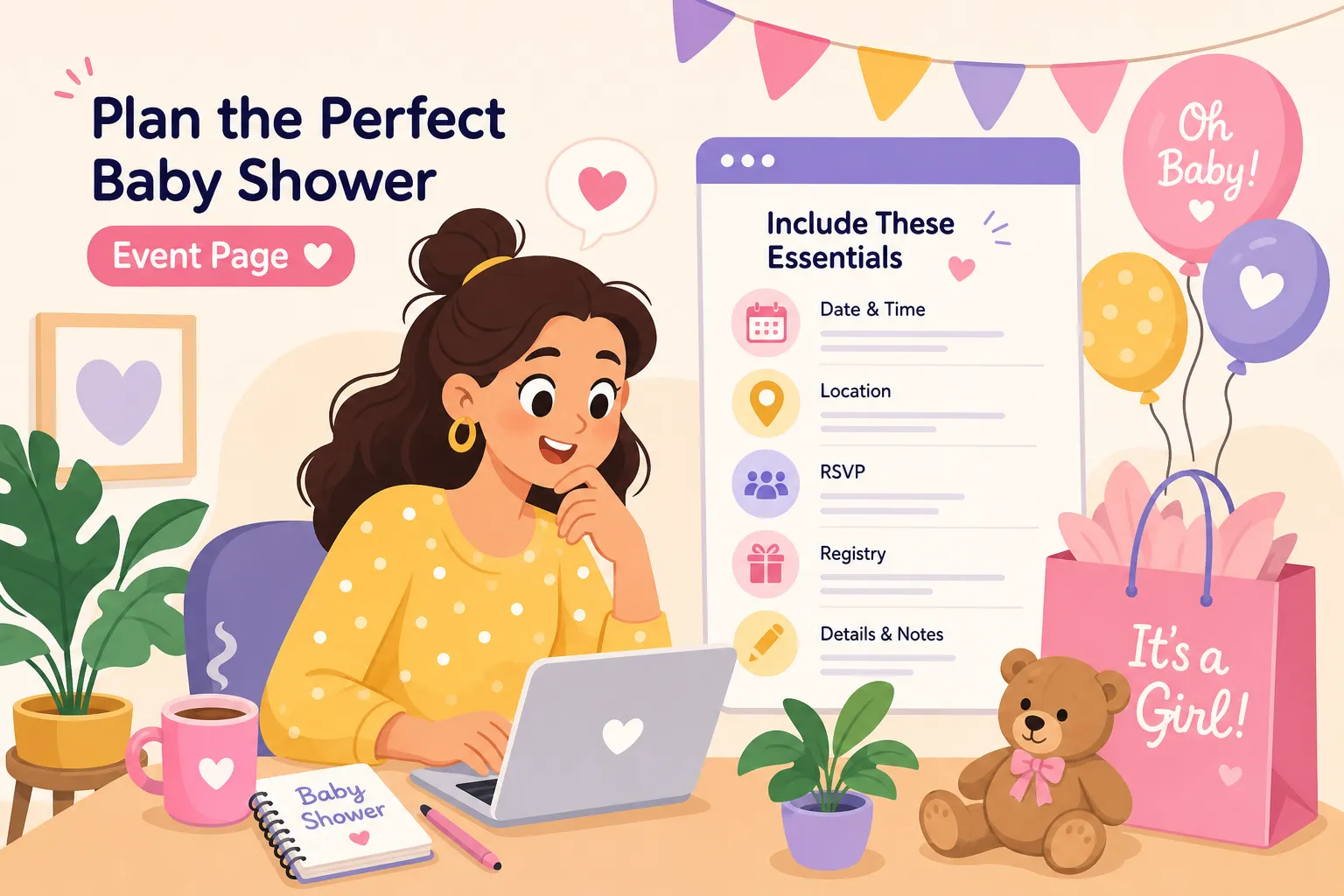
You're co-hosting a baby shower. Everything is coming together beautifully: the venue is booked, the theme is set, and the guest list is ready. Then someone texts asking for the address. Then another person asks about parking. Then your mom wants to know if kids are allowed. You send three separate replies, dig up a screenshot to forward, and realize you've spent twenty minutes answering questions that should have been answered before anyone had to ask. If you've ever wondered what should I include on a baby shower event page, this guide covers every essential detail, from the date and venue to the RSVP form, registry link, and a personal note from the parents-to-be. One shareable link covers everything your guests need, and this checklist walks you through each section with wording examples you can copy and adapt right now.
Some platforms make building this page surprisingly fast through chat-based setup that handles the formatting for you. My Joyfullday is one such platform, designed so you can create a fully formatted baby shower event page without a tech background or hours of clicking through a website builder. But first, let's make sure you know exactly what needs to go on it.
What Should I Include on a Baby Shower Event Page: Core Event Details
This is the backbone of your baby shower event page. Before guests think about gifts or what to wear, they need the basics: who is being celebrated, when and where the event is happening, and who is hosting. Skipping or burying any of these creates friction, and confused guests don't RSVP promptly.
Start with the honoree's name displayed prominently at the top of the page. State the mom-to-be's full name (or both parents' names for co-ed showers), followed by the host or co-hosts and their relationship to the family. Something like "Celebrating Mom-to-Be, Jessica Monroe, hosted by her sister Carla and best friend Dana" immediately personalizes the page and sets the emotional tone.
For the date and time, include the full date (day, month, and year), the start time, and an end time so guests can plan their day. If your guest list spans multiple states or includes virtual attendees, add the time zone explicitly, "Saturday, September 20th, 2026, 2:00 PM to 5:00 PM CST" removes all guesswork. Below the date, list the full street address including city and zip code. If the venue has a tricky entrance or parking situation, add one short sentence flagging it. Right below the address is also the right place for theme and dress code: "Dress code: Garden casual. Color palette: sage and cream." Guests appreciate knowing this upfront so there are no wardrobe surprises on the day.
RSVP Instructions Guests Will Actually Follow
Setting a Clear Deadline
The RSVP section is the most action-oriented part of your baby shower event page, and vague instructions lead to late or missing responses. A one-to-two week deadline before the event gives the host enough time to finalize food quantities, seating arrangements, and personalized details. State it plainly: "Please RSVP by September 6th." If you have a strict catering cutoff, a gentle line like "We need your RSVP by this date to finalize our guest count" is completely appropriate.
How to RSVP: Wording for Every Tone
The phrasing you use should match the tone of the event. For a formal shower: "We kindly request your RSVP by [Date]. Please confirm your attendance by emailing [Host Name] at [Email]." For a casual home celebration: "Let us know you're coming so we can save you a seat and a slice of cake! RSVP by [Date] to [Host Name] at [Phone]." For a digital RSVP form embedded directly in the page: "Click the button below to confirm your spot by [Date]." Whichever format you use, always include the host's full name and contact method so guests know exactly who they're reaching out to. Clarity here directly affects your headcount, which affects catering, favors, and seating. For additional phrase ideas and sample invitation wording you can adapt, see this baby shower invitation wording guide here.
Registry and Gift Preference Wording That Feels Gracious
Registry details belong on a baby shower event page. Unlike a traditional wedding invitation, where etiquette keeps registry information off the paper invite, a shower event page is exactly the right place for it. The key is framing it warmly rather than transactionally.
Create a dedicated section below the RSVP area and label it clearly with a heading like "Gift Registry" or "Baby's Wishlist." Include a direct link rather than just a store name; guests should be one tap away from the registry, not a search away. If there are multiple registries, list them all with brief labels: "Amazon Baby Registry" and "Buy Buy Baby Registry." A universal registry link through a platform like Babylist is also a clean option when multiple stores are involved.
Lead with sentiment before you lead with the link. A line like "Your presence is the greatest gift. For those who'd like to bring something, Jessica and Mark have put together a wishlist here" strikes the right balance between warm and practical. If the parents have a specific preference, say so honestly: "They'd especially love books for the nursery in place of a card." If the parents would welcome a cash fund contribution, consider phrasing it politely, something like "Contributions to [Baby's] college fund are also welcome through the link below", so guests who prefer that option feel comfortable choosing it.
The Personal Touches That Make Your Page Feel Warm
Once the logistics are covered, the personal layer is what guests actually remember. A baby shower event page that reads like a form is functional. One that feels human is the kind guests screenshot, share, and talk about.
A note from the parents-to-be is often overlooked but makes a real difference. A short paragraph written by the expectant parent (or both parents) sets an emotional tone that no template text can replicate. It doesn't need to be long, two to four sentences expressing gratitude and excitement is plenty. "We're overwhelmed with love that you're coming to celebrate this little one with us. Your presence means everything as we get ready to welcome our daughter into the world." That's it. And it will mean more to your guests than any design choice you make.
A brief event schedule also adds real value. Guests appreciate knowing what to expect when they arrive, and a simple outline removes first-arrival awkwardness. Keep it light and conversational: "We'll have brunch, a few games, and plenty of time for gifts and catching up." You don't need a minute-by-minute agenda; a general sense of the flow is enough.
Finally, don't skip the logistical details that guests quietly appreciate but never ask about until they're already in the car. Add a single sentence covering parking ("Street parking is available on Oak Avenue; a lot is one block east"). If the venue is wheelchair accessible, say so. If children are welcome or the shower is adults-only, make that clear. These details prevent the day-of questions hosts dread most.
What to Include on a Baby Shower Event Page for Virtual or Hybrid Showers
Virtual and hybrid baby showers have their own specific information needs. The platform joining link is the equivalent of a venue address: without it, guests simply cannot attend. Treat it with the same prominence you'd give a physical location.
Name the platform clearly (Zoom, Google Meet, and similar options are common choices) and include the direct joining link in a visible section of the page. If a password is required, include it on the page or note that it will be sent by email after RSVP confirmation. Add one plain-language sentence for guests who are less tech-savvy: "No account needed. Click the link five minutes before the start time and you'll be connected." For hybrid events, clearly separate the in-person and virtual sections so each group of guests knows exactly what applies to them. For more guidance on clear virtual invitations and how to present join details, see this guide to virtual baby shower invitations here.
Virtual showers often bring together guests from different states and sometimes different countries. State the time zone twice, once in the main event date line and again in the virtual instructions section. If guests are encouraged to send physical gifts, include the mailing address for the parents-to-be. If they prefer to keep that private until after RSVPs come in, a line like "Gifts can be shipped to an address we'll share after you RSVP, or visit the registry to send directly" is one way to handle it without exposing their home address to the full guest list.
Build Your Complete Baby Shower Page in Minutes with My Joyfullday
Knowing what to include is half the work. Building the page without a tech background or hours of clicking through a website builder is the other half. My Joyfullday is designed specifically for that second half of the problem.
The platform works through WhatsApp, so there's no dashboard to learn and no computer required. You open a chat with Jitabi, the platform's AI assistant, share your event details, the honoree's name, date and time, venue address, RSVP deadline, registry links, dress code, and the personal note from the parents, and Jitabi pulls everything together into a fully formatted baby shower event page. The result looks like something a designer built, and the process is designed to be fast and straightforward from your phone. It also makes common tasks like coordinating vendors simple, learn more about coordinating vendors via WhatsApp here.
Pages include built-in RSVP tracking, plus-one support, and automated reminders so your headcount stays accurate without follow-up chasing. The platform offers customizable templates designed for celebrations including baby showers, each with dedicated sections for all the elements covered in this guide: event details, RSVP form, registry link, schedule highlights, and a personal message. Once the page is live, you share a single link through WhatsApp, text, or email, and every guest finds exactly what they need in one place. No more screenshot chains. No more group texts that go sideways. Just a clean, complete event page that does the work for you. After the shower, it's also easy to share event photos with attendees, see tips on WhatsApp photo sharing here.
Your Baby Shower Event Page Checklist
Before you share your page, run through this checklist to make sure nothing is missing:
- Honoree name and host name(s) with relationship noted
- Full date, start time, end time, and time zone
- Complete venue address with parking note (or virtual joining link and password)
- Dress code and theme details
- RSVP instructions with a specific deadline and contact method
- Registry links with warm, gracious framing
- A personal note from the parents-to-be
- Brief event schedule or activity highlights
- Accessibility information if relevant
- Childcare or age policy clearly stated
Every item on that list serves a specific purpose for your guests. The date tells them when to show up. The registry wording tells them how to contribute without feeling pressured. The personal note tells them why the celebration matters. When all of these sections work together, you get an event page that doesn't just inform guests but genuinely prepares them to celebrate.
Still figuring out what should I include on a baby shower event page? Use this checklist as your starting point and build yours with My Joyfullday, start a WhatsApp chat with Jitabi, bring your details, and your baby shower event page will be ready to share before you finish your coffee.